Add Scanning To Your App
ScanKit SDK
Embed our browser capture UI into your web application: it detects the document, corrects the perspective and returns a clean scan. Built for web apps, embeddable in a WebView.
Seamless Integration: Add scanning capabilities to your app with just a few lines of code. Works with React, Angular, plain JavaScript, and more.
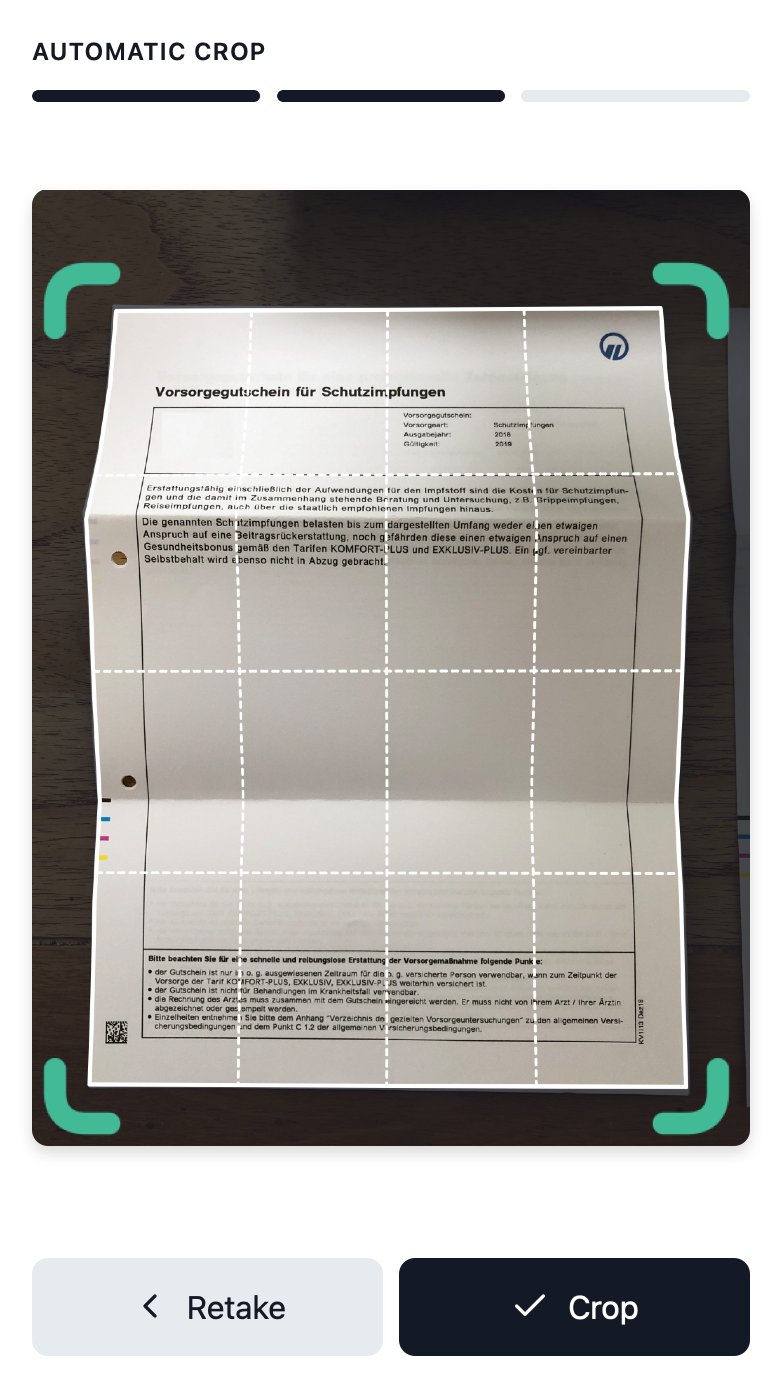
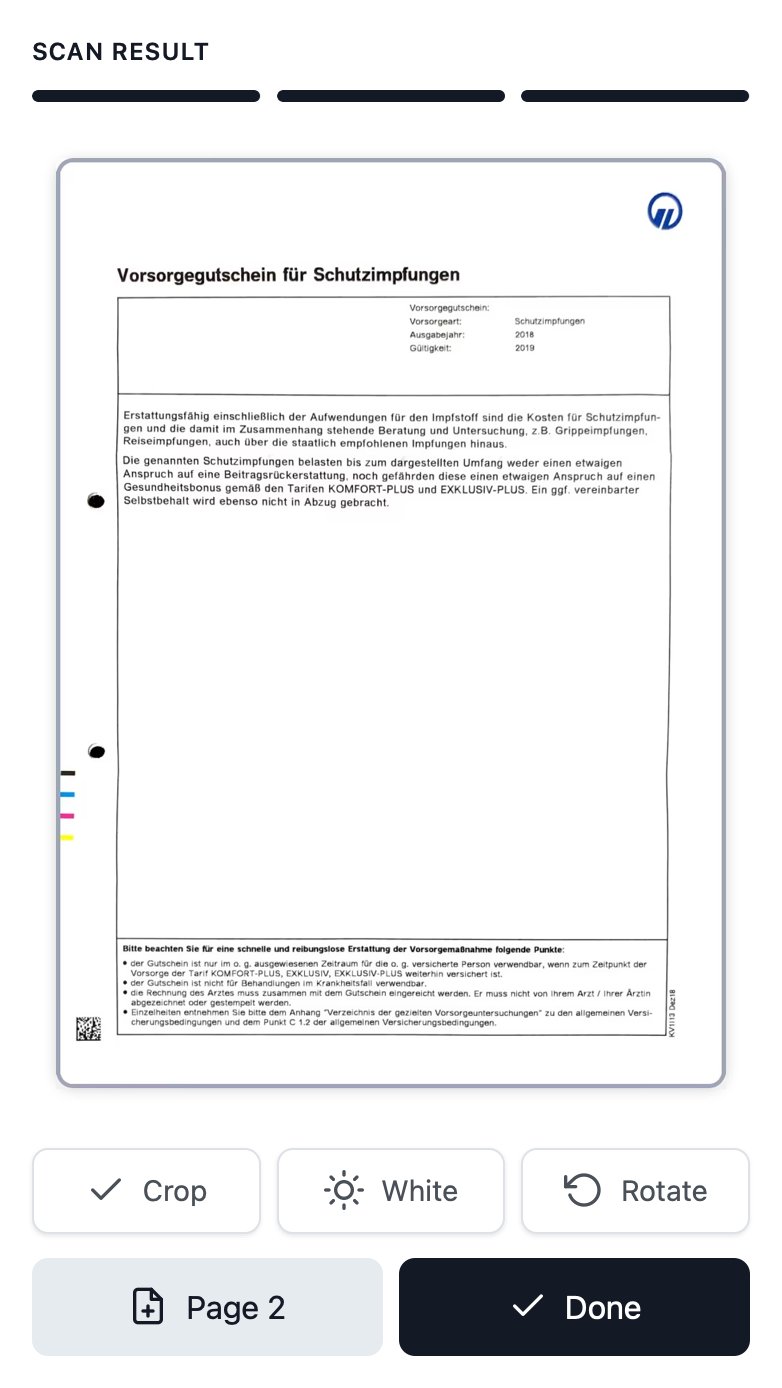
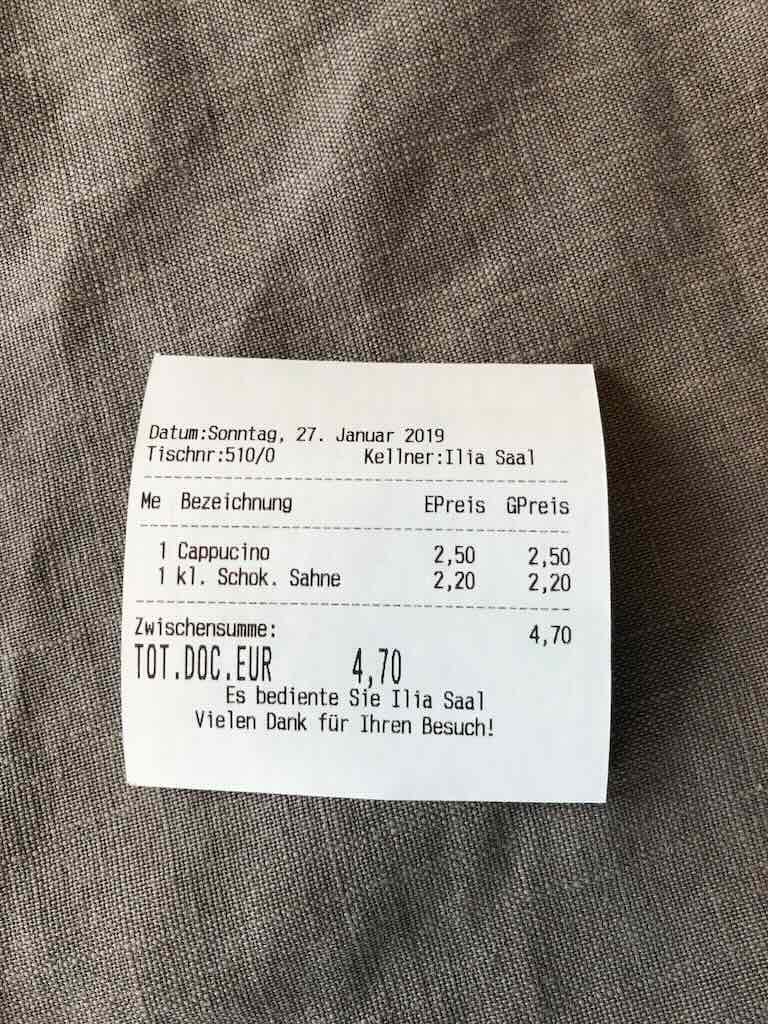
Handles Real-World Challenges: Automatically detects documents, flattens curves, and corrects lighting, even for hard-to-scan pages like receipts or folded documents.
Optimized for Performance: Lightweight, browser-ready, and designed for minimal bandwidth usage. Perfect for mobile and web apps.
How to integrate
One browser SDK, three ways to embed it. Below is what each path is and what it needs, so you can pick before you start.
| Platform | Integration | Notes |
|---|---|---|
| Web app: React, Vue, Angular, plain JavaScript | Official SDK (script tag and stylesheet from our CDN) | Camera capture in the browser, file upload as fallback. HTTPS required. |
| App with a WebView: Flutter, React Native, native iOS and Android, Electron | WebView wrapper around the same SDK | No native package: the SDK is a browser library. You host the capture page. |
| Native or backend without a user interface | REST API at api.scankit.io (X-API-Key) | Upload and processing endpoints; the capture UI is not part of the API. |
| No-code: n8n, Zapier, Make | Hosted scanner with webhook delivery | Branded capture link, the result arrives at your webhook. |
Requirements: camera capture needs a secure context (HTTPS). Without camera access the SDK falls back to a file upload. Supported mobile browsers: iOS Safari 12+, Chrome Mobile 60+.
From Photo to Perfect Scan in Seconds
Fast, accurate, and efficient document processing, ready for any workflow.

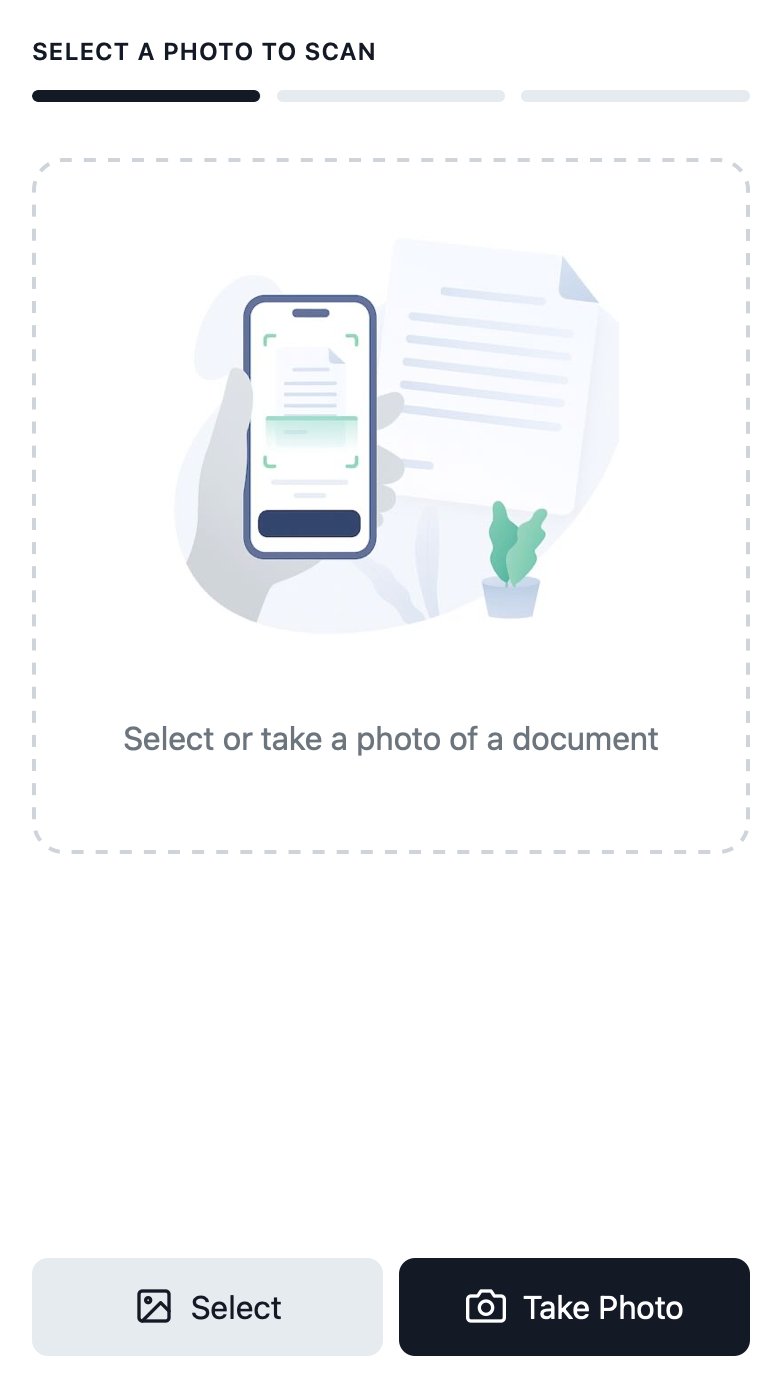
Step 1: Input Image

Select or Take a Photo of a Document
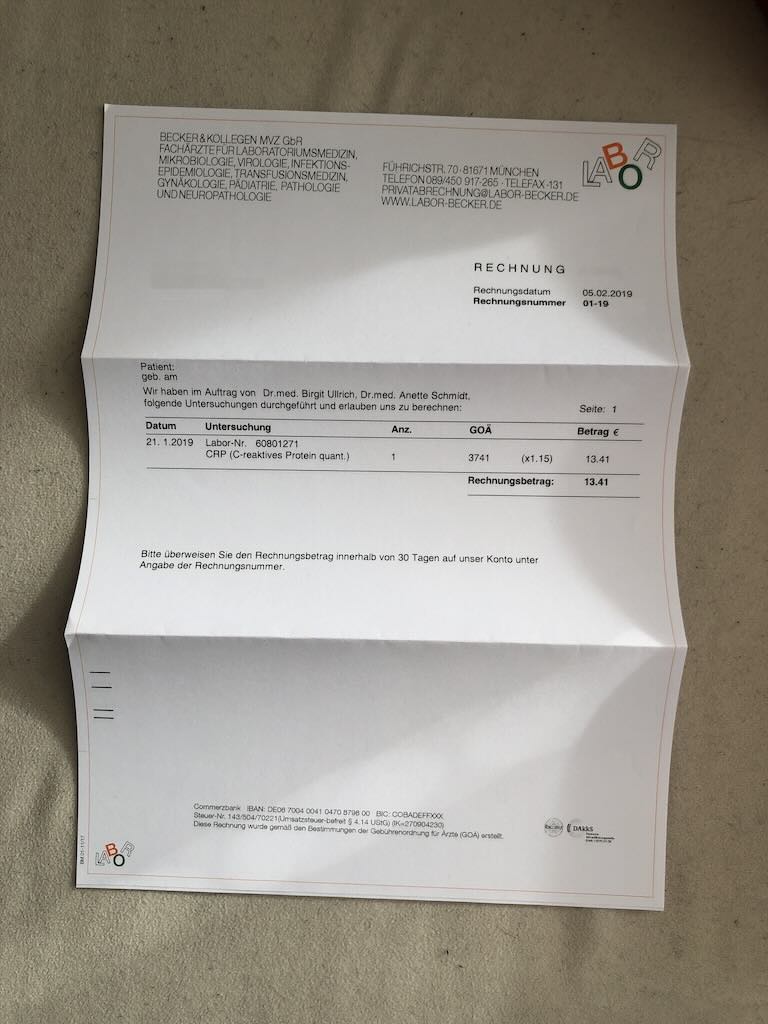
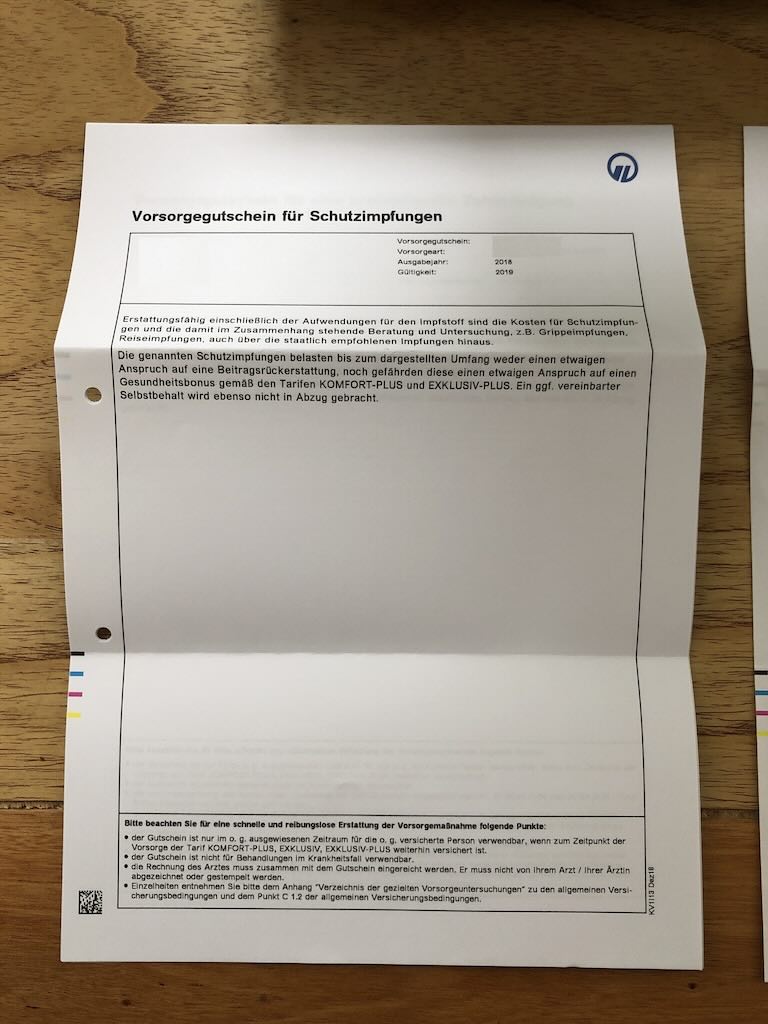
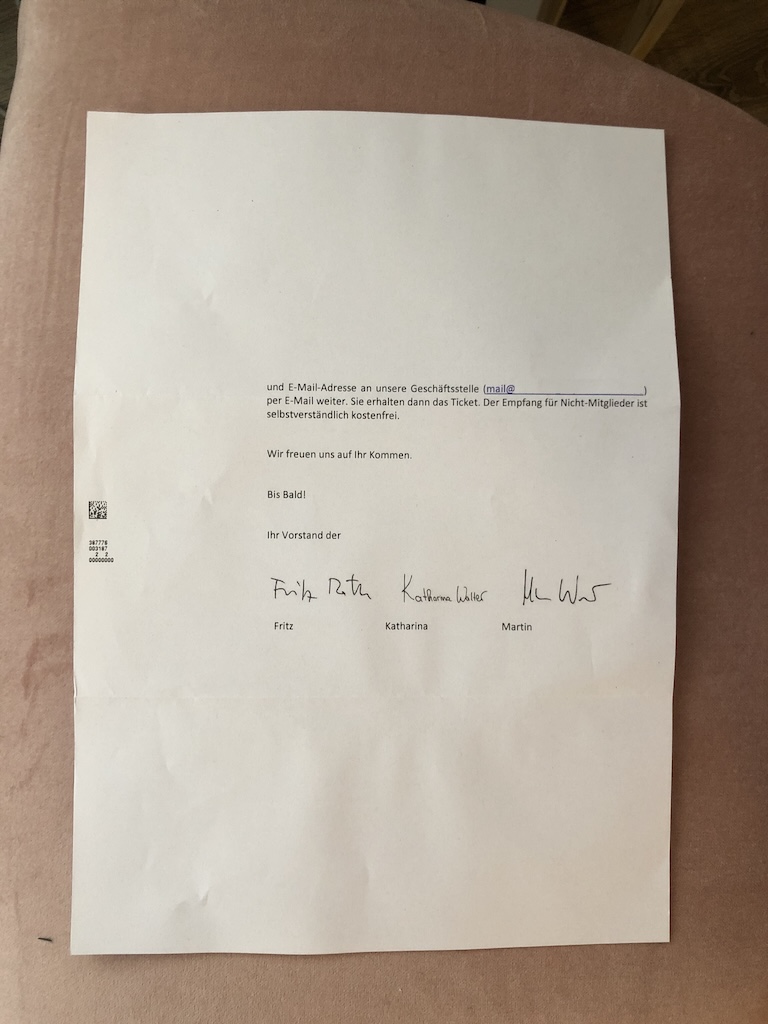
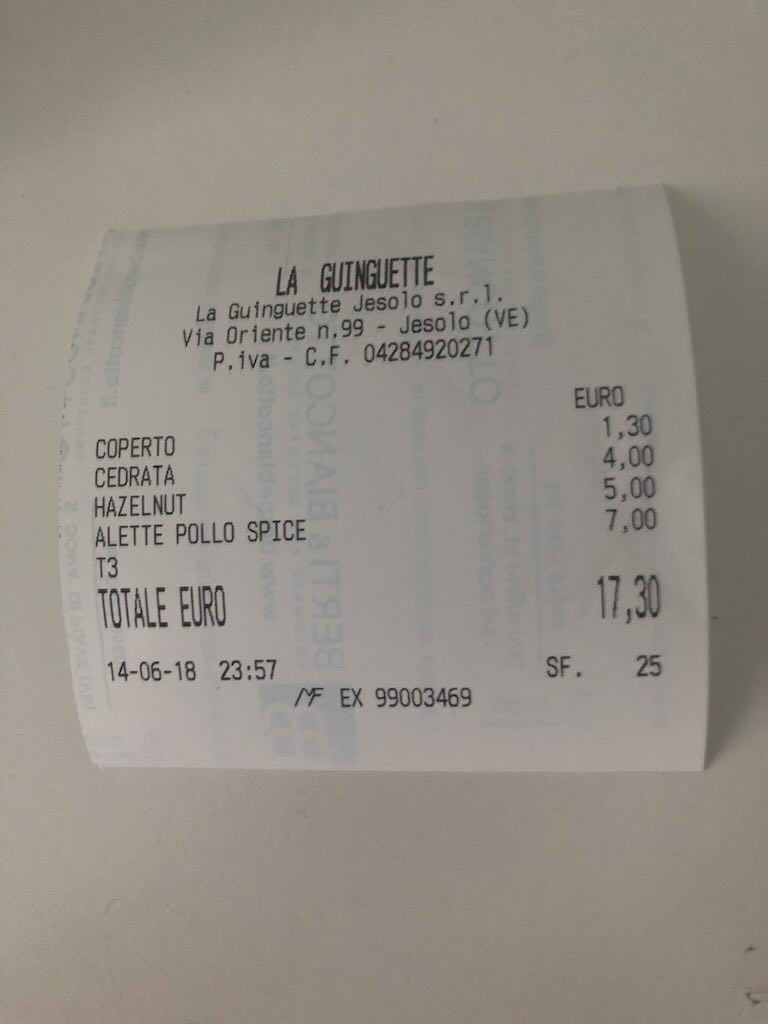
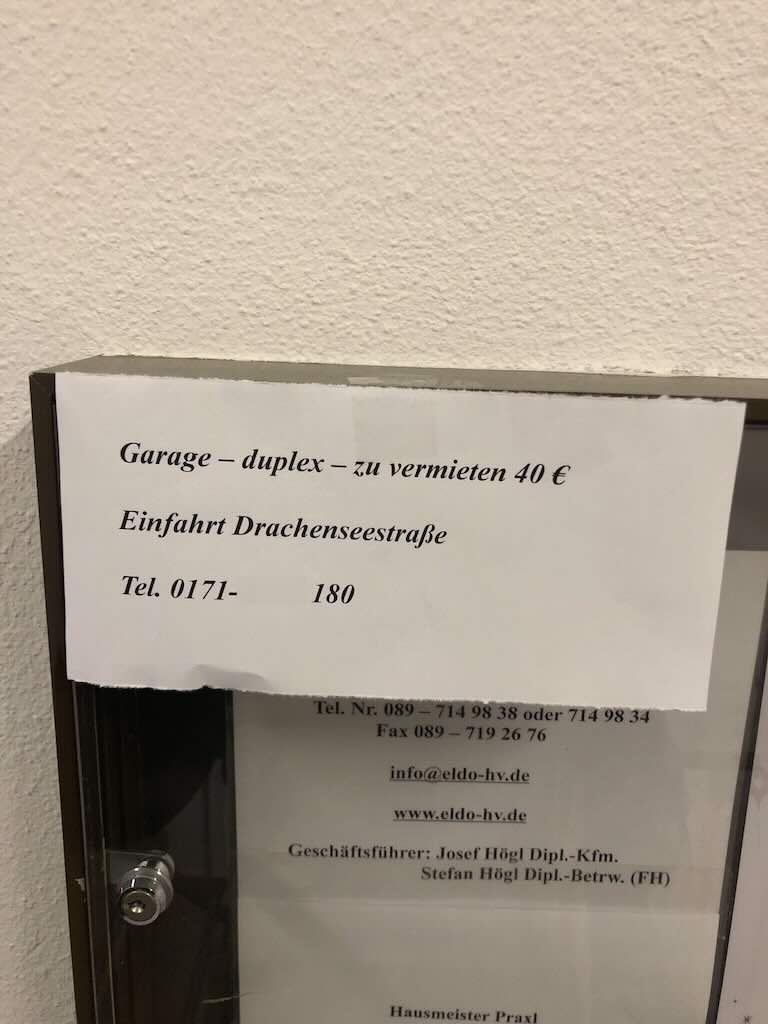
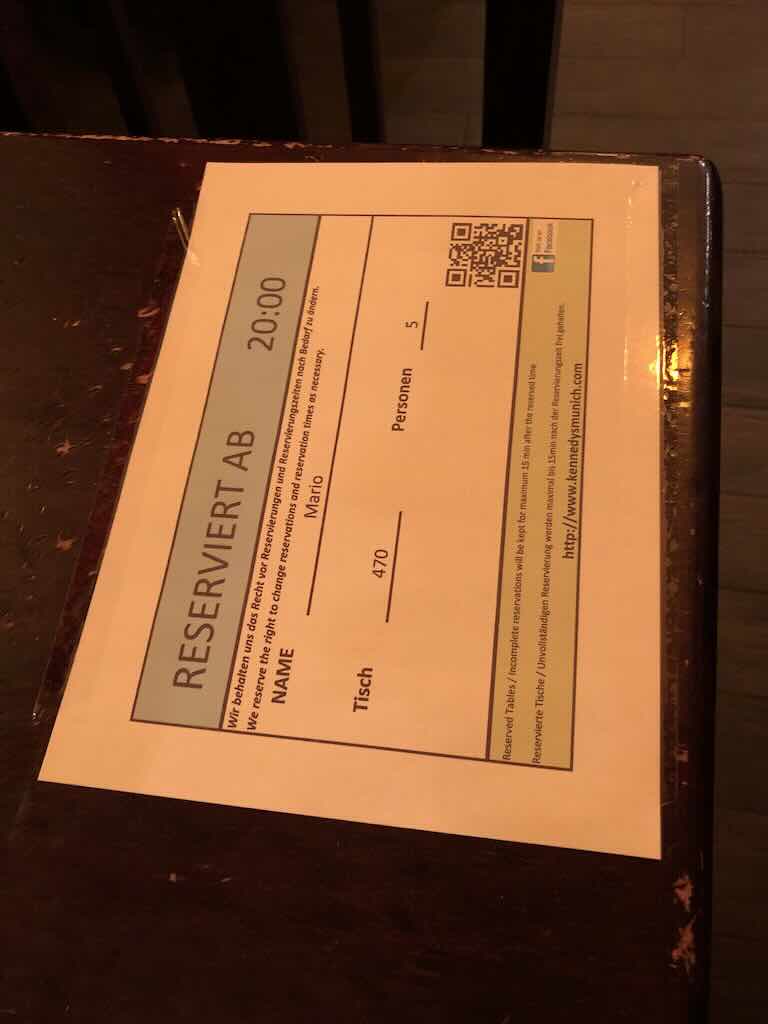
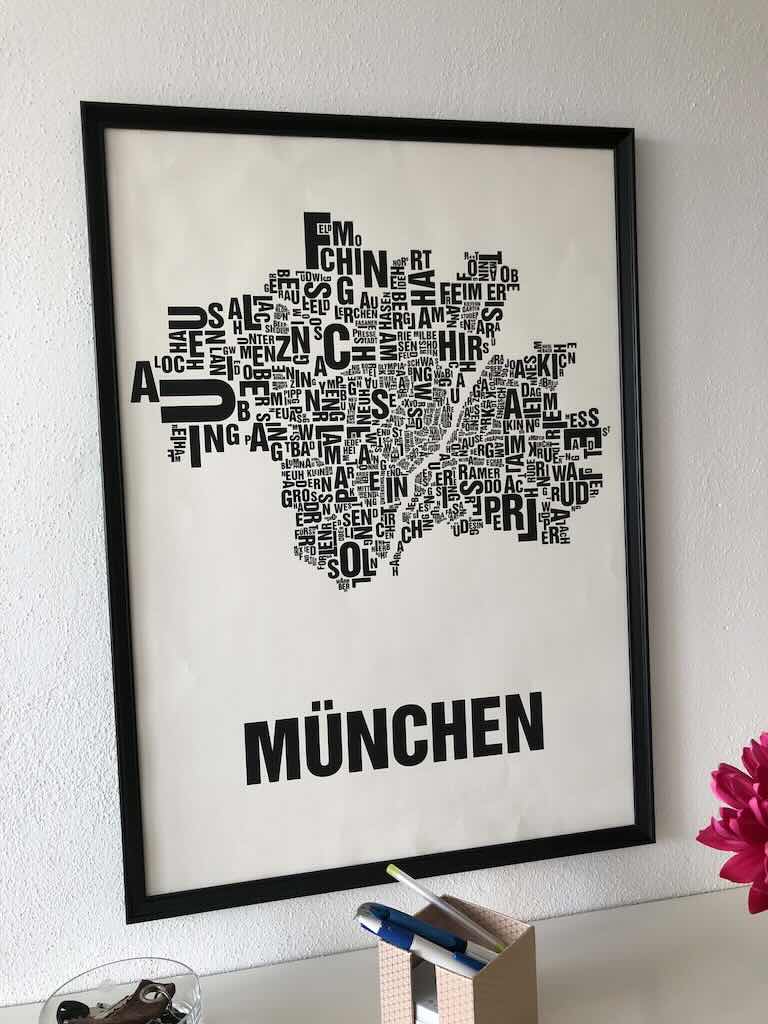
Step 2: 3D Grid Detection
Step 3: Processed Result

| Photo-to-Scan Time | 0 s | |
| API Usage (Upload) | 0 KB | |
| API Usage (Download) | 0 KB |
SDK Demo
Interactive SDK Demo: Try Before You Integrate
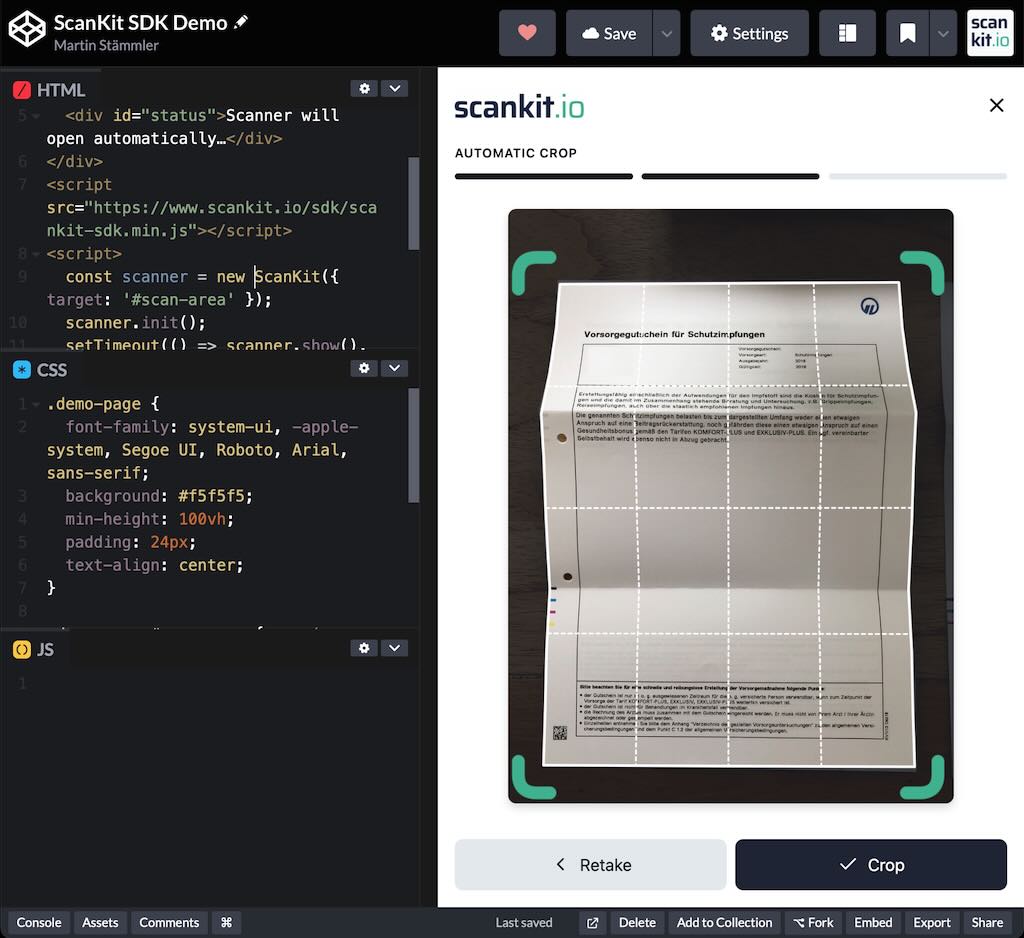
Experience the ScanKit SDK firsthand in this live CodePen demo. See the actual integration code, test it with real documents, and copy snippets directly into your project.
Run it live: The scanner modal launches instantly in your browser.
Edit the code: Tweak HTML, CSS, or JS right inside the demo.
Copy & reuse: Grab ready-made snippets to drop straight into your app.
Sample Code
Integrate scanning capabilities into your application with a simple API call. The ScanKit API supports various parameters for precise control over the output.
<link rel="stylesheet" href="https://www.scankit.io/sdk/scankit-sdk.css">
<script src="https://www.scankit.io/sdk/scankit-sdk.min.js"></script>

<div id="scan-area"></div>

<script>
// Initialize the scanner
const scanner= new ScanKit({
  target: '#scan-area',
  onScanComplete: r => console.log(r)
});
scanner.init();
// scanner.show(); // Show the scanner programmatically
</script>