One request. A clean document back.
Send a JPEG or PNG to ScanKit and receive a perspective-corrected scan for the next step in your product. Explore the request, response, and code below.
Free to try: 50 credits on signup, no card. Credit packs from €19 for 1,000 scans, one-time and never expiring. See pricing
POST /scan/cropTest ScanKit with your document.
Upload a JPEG or PNG, choose the output you need, and see the clean scan ScanKit returns.
Input Image

Select or Take a Photo of a Document
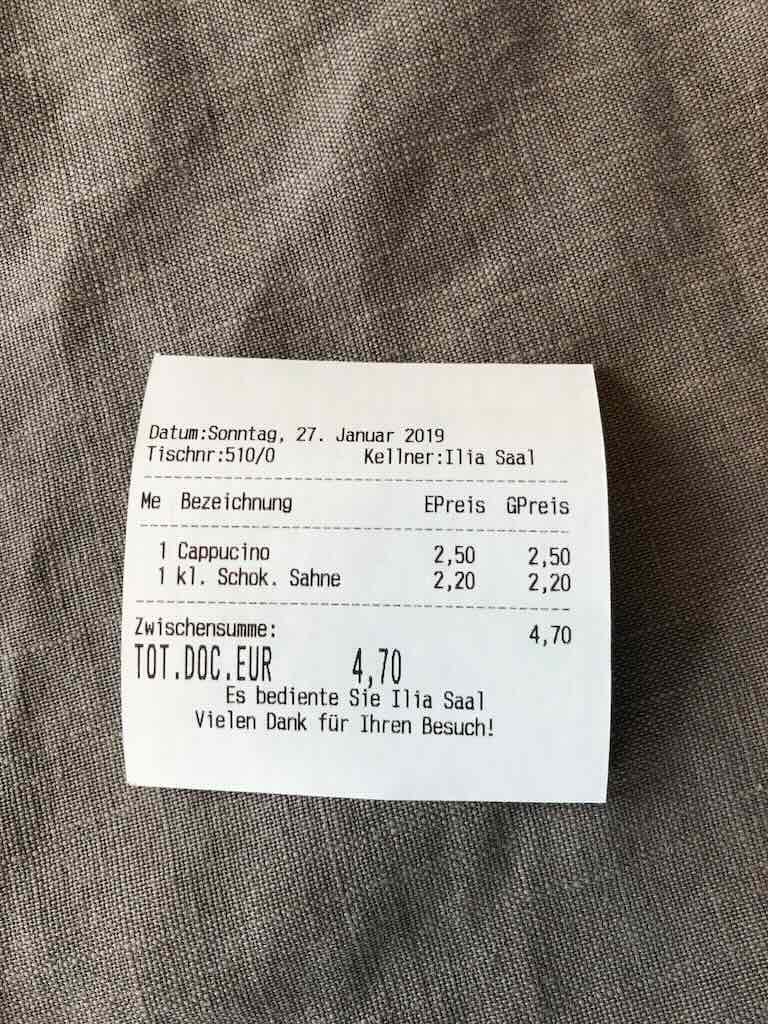
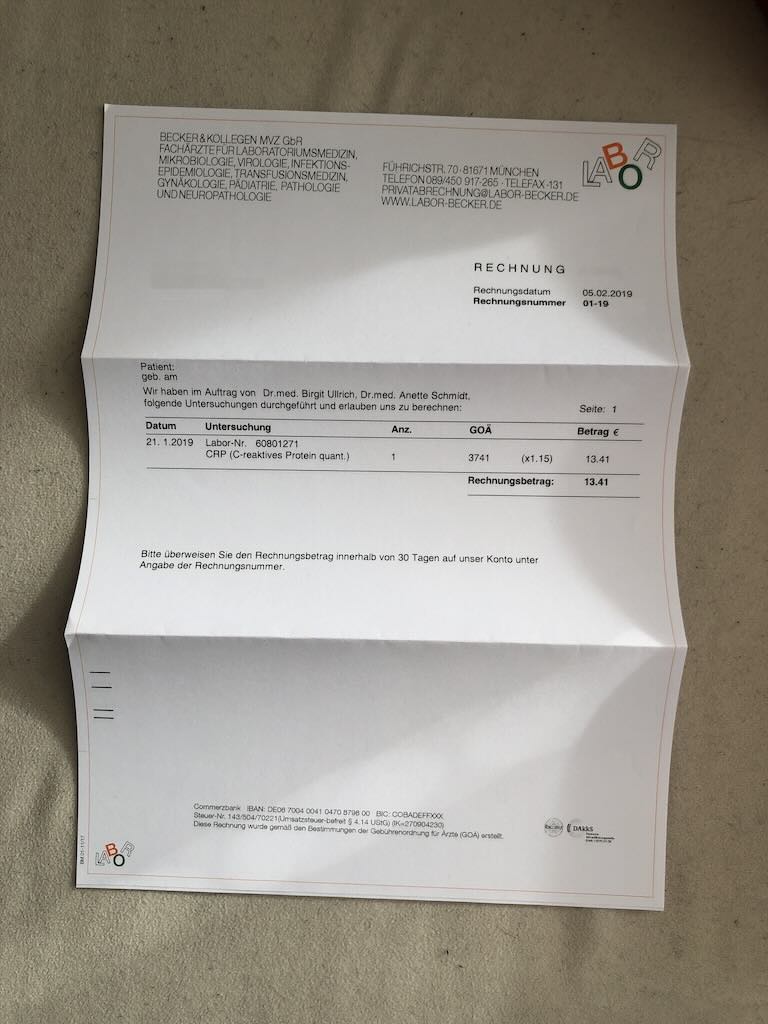
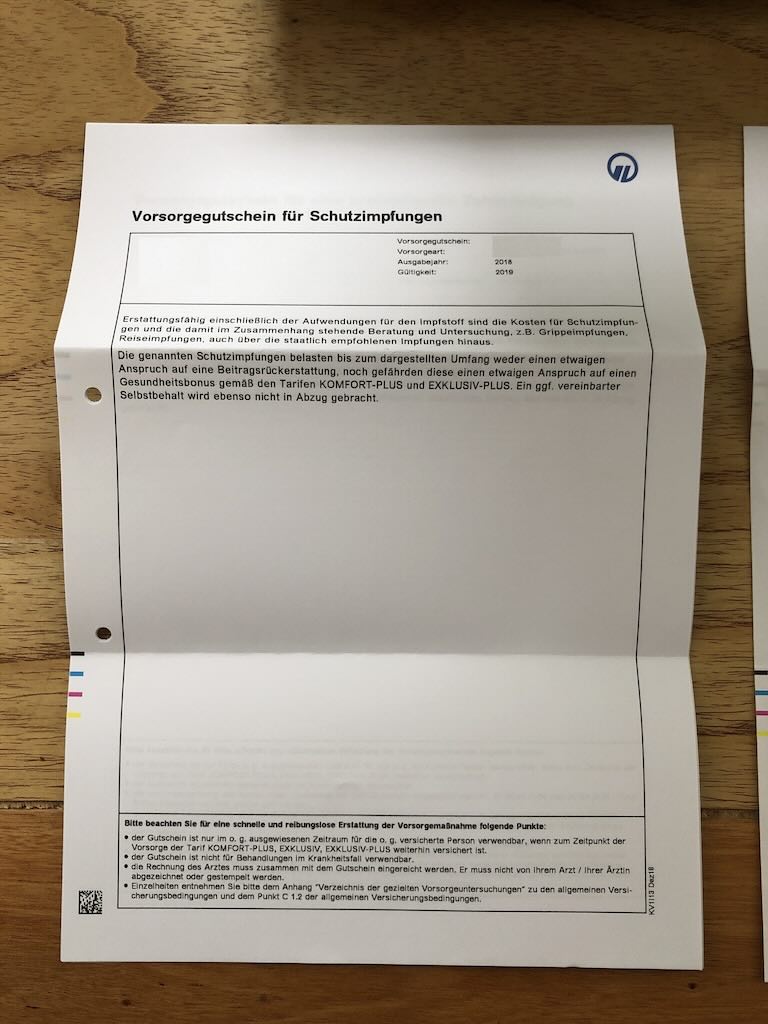
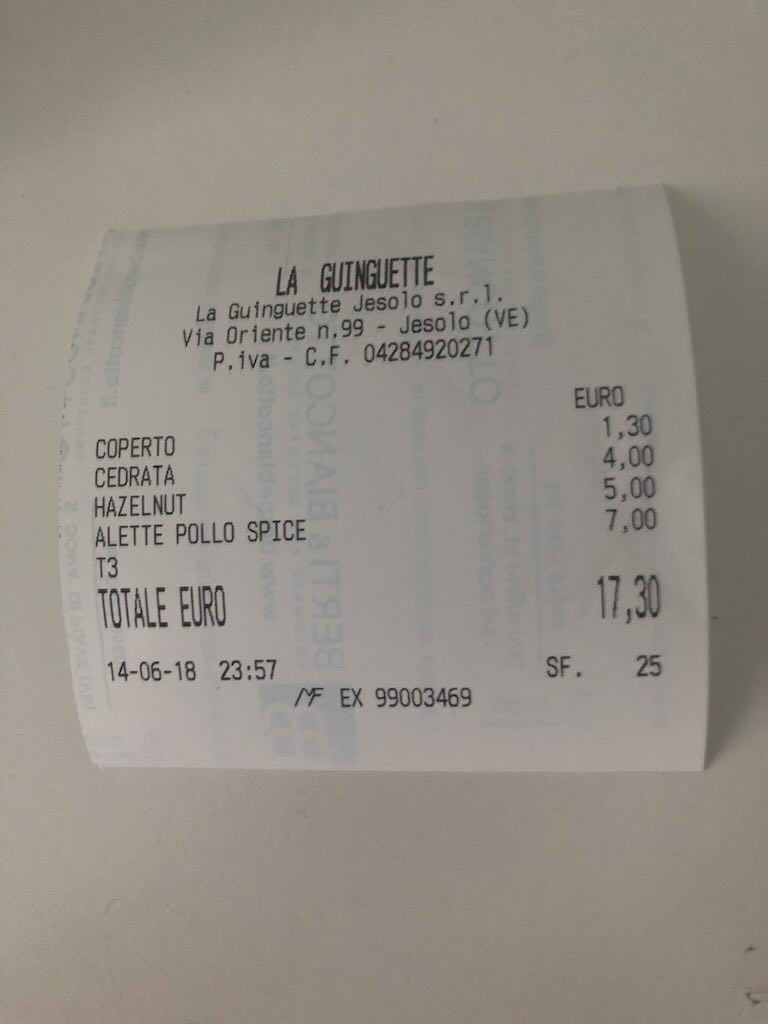
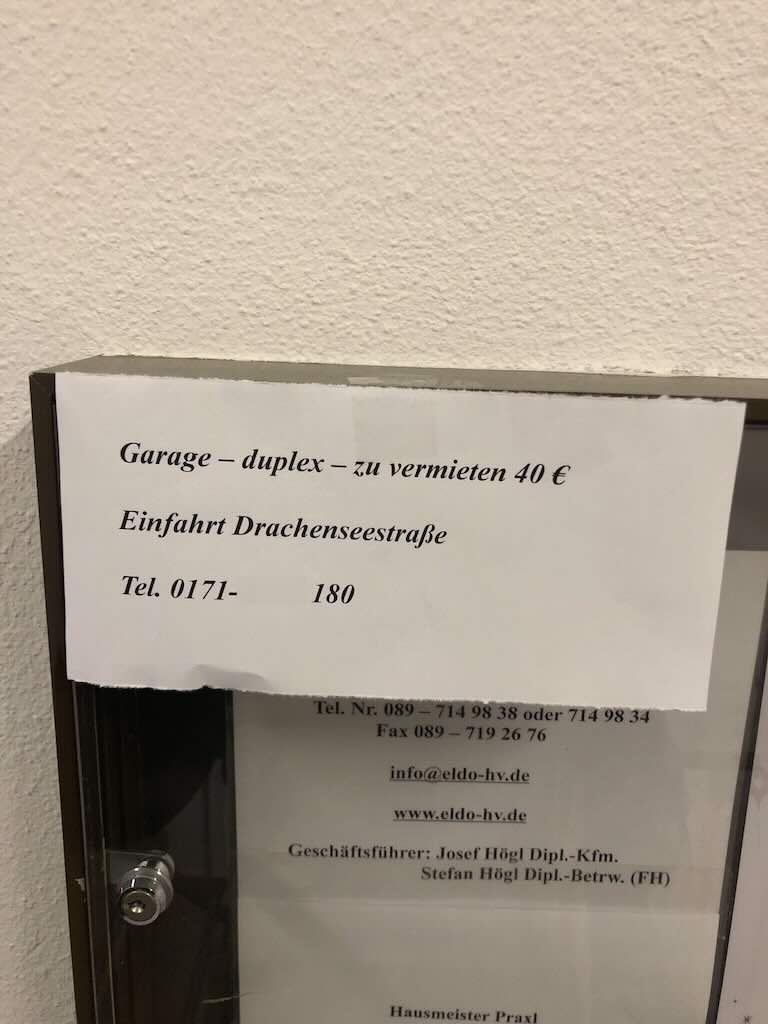
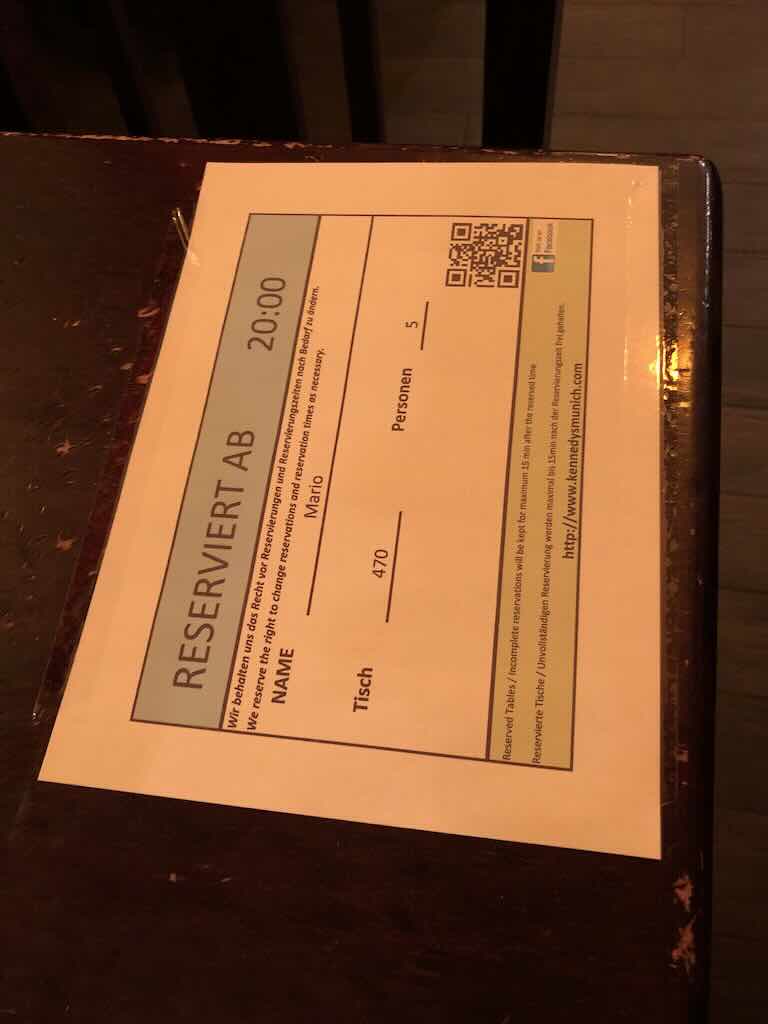
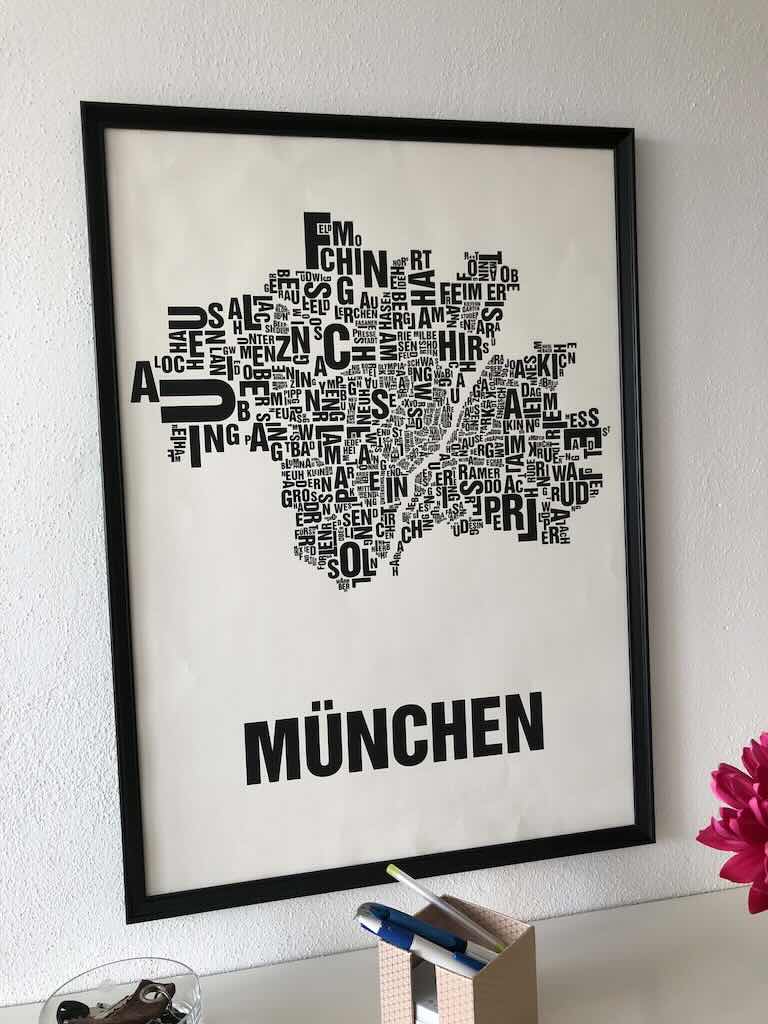
Result
Drop-in code snippets
Integrate scanning capabilities into your application with a simple API call. The ScanKit API supports various parameters for precise control over the output.
curl -X POST https://api.scankit.io/scan/crop \
 -H "Authorization: Bearer YOUR_API_KEY" \
 -H "Content-Type: multipart/form-data" \
 -F "file=@/path/to/your/image.jpg" \
 -F "output_width=1536" \
 -F "filter=white" \
--output result.jpgcurl -X POST https://api.scankit.io/scan/crop \
-H "Authorization: Bearer YOUR_API_KEY" \
-H "Content-Type: multipart/form-data" \
-F "file=@/path/to/your/image.jpg" \
-F "output_width=1536" \
-F "return_pdf=true" \
-F "ocr_lang=eng" \
--output result.pdfcurl -X POST https://api.scankit.io/scan/crop \
-H "Authorization: Bearer YOUR_API_KEY" \
-H "Content-Type: multipart/form-data" \
-F "files=@/path/to/page1.jpg" \
-F "files=@/path/to/page2.jpg" \
-F "output_width=1536" \
-F "filter=white" \
-F "return_pdf=true" \
-F "ocr_lang=fra" \
--output result.pdfAPI reference
Document Scanning
Upload an image to be cropped and optionally filtered. The result is returned as a binary JPEG file.
Parameters
No parameters
Request body
file * string($binary) | The image file to process. |
output_width integer($int32) | Specifies the desired width (in pixels) of the output image after cropping.
|
filter string | Specifies the filter applied to the image after cropping:
|
segment_count integer($int32) | Specifies the number of segments used to process curved or folded images.
|
return_pdf boolean | Determines the output format of the processed document:
|
ocr_lang string | Language for OCR text recognition when return_pdf is true:
|
return_meta boolean | Opt-in metadata mode (v2 pipeline). When true, the response is JSON instead of a raw JPEG and includes the field document_detected:
|
Responses
| Code | Description | Links | ||||||
| 200 | Successfully processed and cropped image returned as a binary file. Media typeControls Accept header.Headers:
| No links | ||||||
| 400 | Invalid parameters or unprocessable input file (no credits charged) Media type Examples | No links | ||||||
| 401 | Error: authentication failed (no credits charged). "Missing API Key" when no key was sent at all, "Invalid API Key" when the key that was sent is unknown or inactive. Media type Examples | No links | ||||||
| 402 | Error: Insufficient credits (no credits charged) Media type | No links | ||||||
| 429 | Rate limit exceeded: more than 1000 requests in a rolling hour for this API key (no credits charged). Wait the seconds given in the Retry-After header before retrying. Media type Headers:
| No links | ||||||
| 500 | Internal server error. Contact support if the issue persists. | No links |
Questions before integrating? Send us a message